Git Branches: Creating, Updating, Merging and DeletingThem
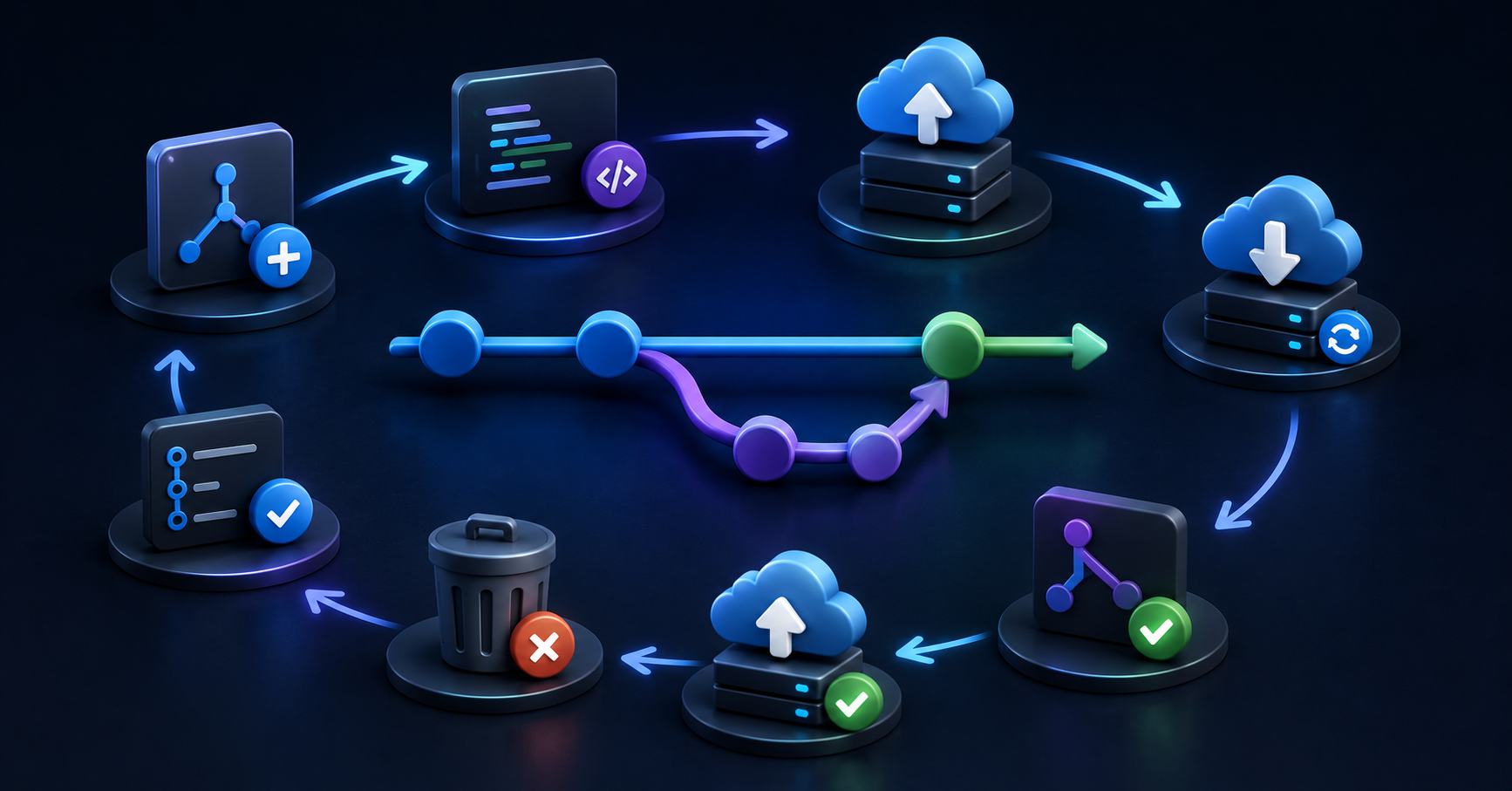
Create and switch to a new branch in local repository:
git checkout -b new_featureMake changes in that branch, then to make commit:
git add .
git commit -m "Implemented new feature"
Push this newly created and modified branch to remote repository(GitHub).
For the first push of this branch:
git push -u origin new_featureThis creates our branch on the remote repository, pushes our commits, and sets up tracking.
For upcoming pushes, we can simply use:
git pushNote: If we use
git pushwithout-uin the first time:If the branch doesn't exist remotely, Git will suggest using
--set-upstream.If the branch exists (created by someone else), it'll push but won't set up tracking.
To keep our local branch updated with the changes made in remote repository:
(make sure we are in new_feature branch, if not then do checkout first to it)
git pull origin new_featureChecking Branch Status:
git branchThis command lists all local branches, with the current branch highlighted.
To ensure both main and feature branches are up to date before merging them:
git checkout new_feature
git pull origin new_feature
git checkout main
git pull origin main
Note: We use the explicit form (
git pull origin <branch>) for both branches. This works regardless of whether tracking is set up, making it a safer practice, especially in collaborative environments where branch configurations might vary.Alternative branch updation method (without checkout):
git fetch origin main:main
git fetch origin new_feature:new_feature
We usually prefer the checkout-and-pull method because:
It's more natural .
It ensures we're working with the latest content in our working directory.
It helps avoid confusion by immediately reflecting changes in our local files.
It reduces the risk of merge conflicts later by keeping our local branch in sync with the remote.
Merging Process.
To merge the new_feature branch to the main branch, first we make sure all related branches are up to date with remote repo changes, then switch to the main branch, give merge command, and finally push this merged main branch to remote repository.
git checkout main
git merge new_feature
git push origin main
Deleting Branches
After merging, we can delete the new_feature branch:
a. Delete the local branch:
Make sure we exit that branch we want to delete by checkout else we will get error: cannot delete branch ‘new_feature’ used by worktree…
git branch -d new_featureNote: Use
-Dinstead of-dto force delete a branch if it hasn't been merged yet.b. Delete the remote repo branch:
git push origin --delete new_featureNote: For deleting remote repo branches, we must use —delete, as -d (or -D) is reserved for deleting local branches only
Visual Workflow Diagram
1. Create branch    main         A---B
                                     \
                    new_feature       C

2. Push branch      main         A---B
                                     \
                    new_feature       C
                                      ^
                                      |
                                 origin/new_feature

3. Merge to main    main         A---B---D
                                     \   /
                    new_feature       C-/

4. After deletion   main         A---B---D
                                         ^
                                         |
                                    origin/main
Explanation of nodes:
A: An earlier commit on the main branch.
B: The commit on main from which the new_feature branch is created.
C: The commit made on the new_feature branch.
D: The merge commit, combining the new_feature branch into main.


